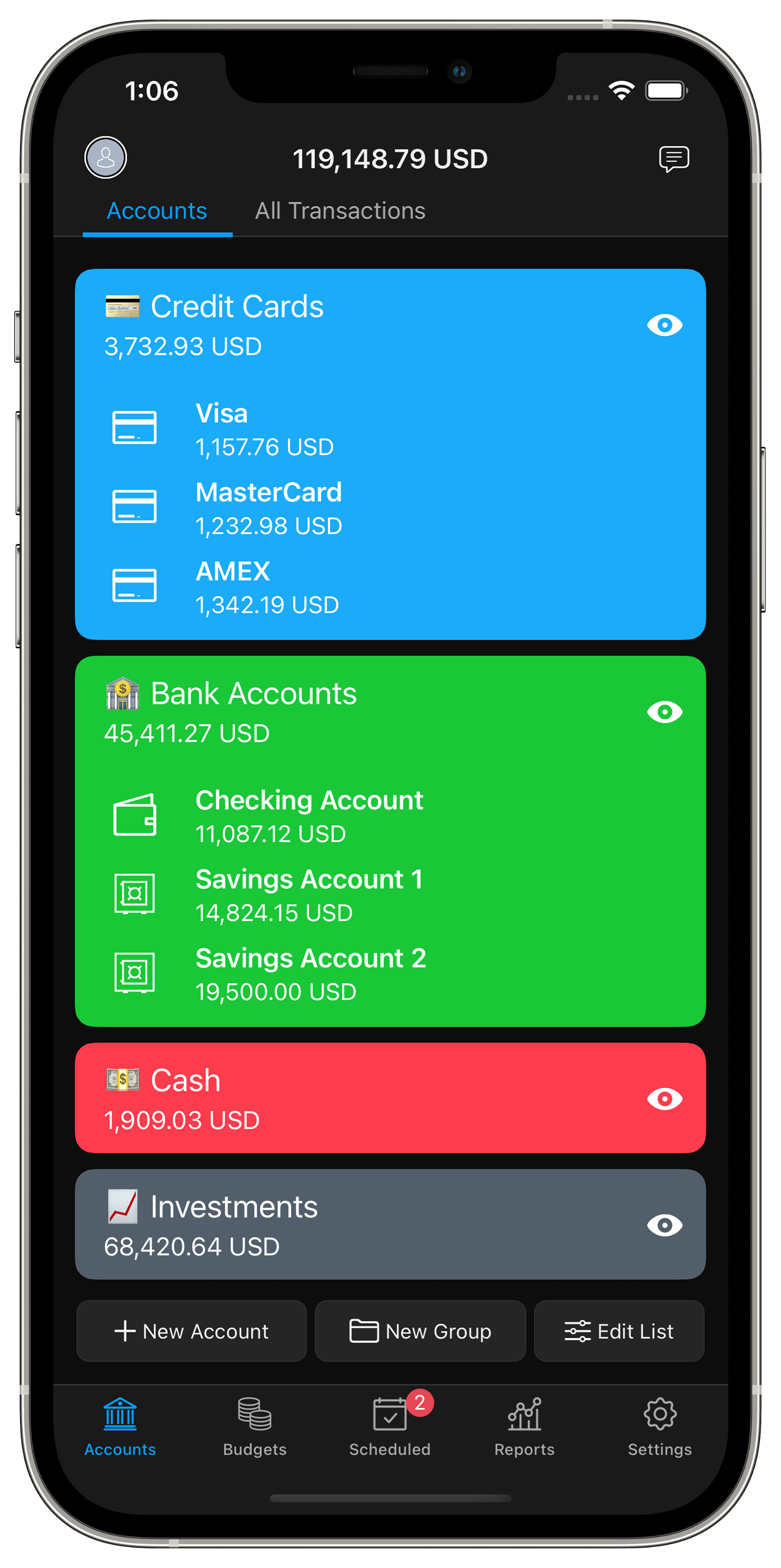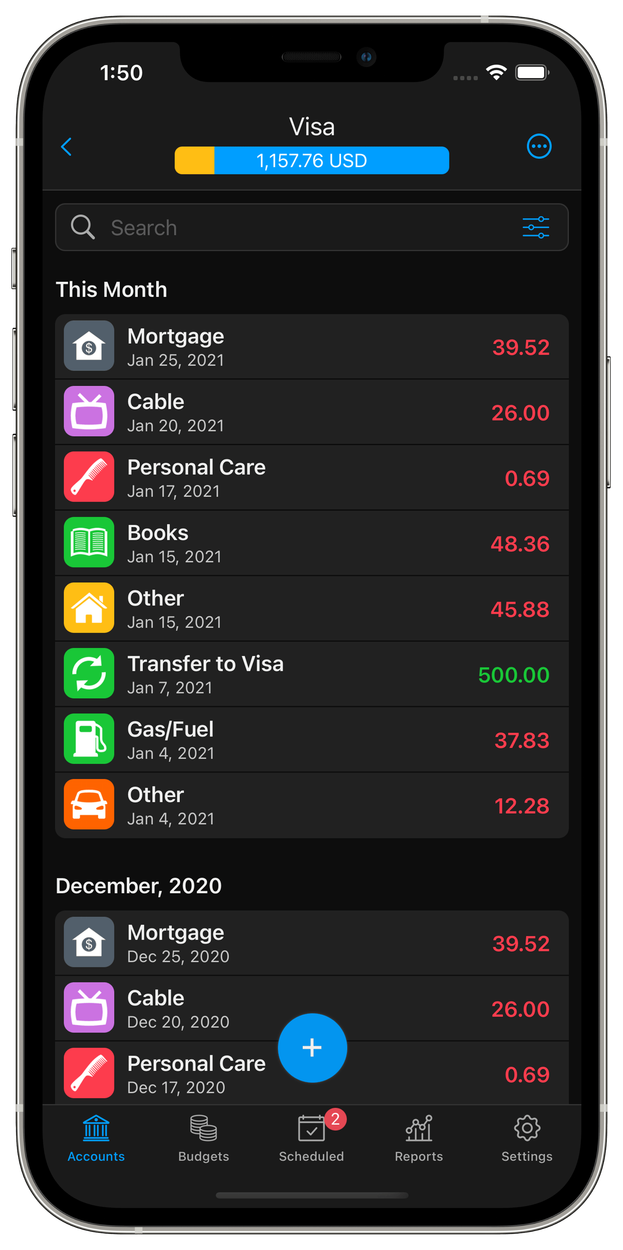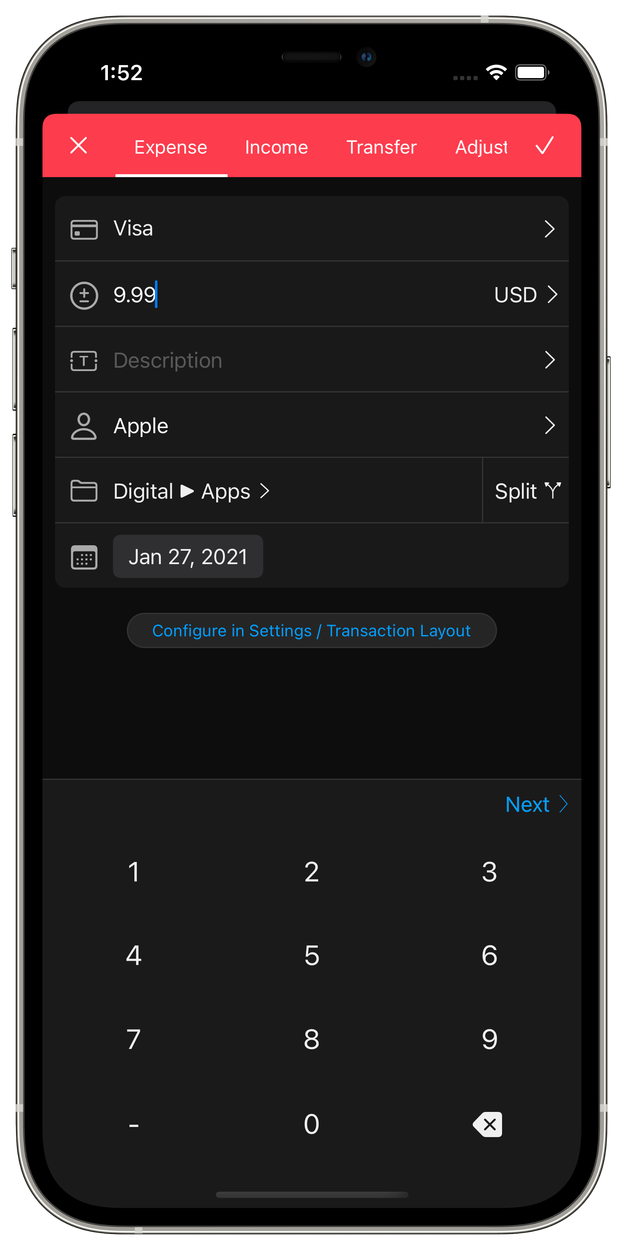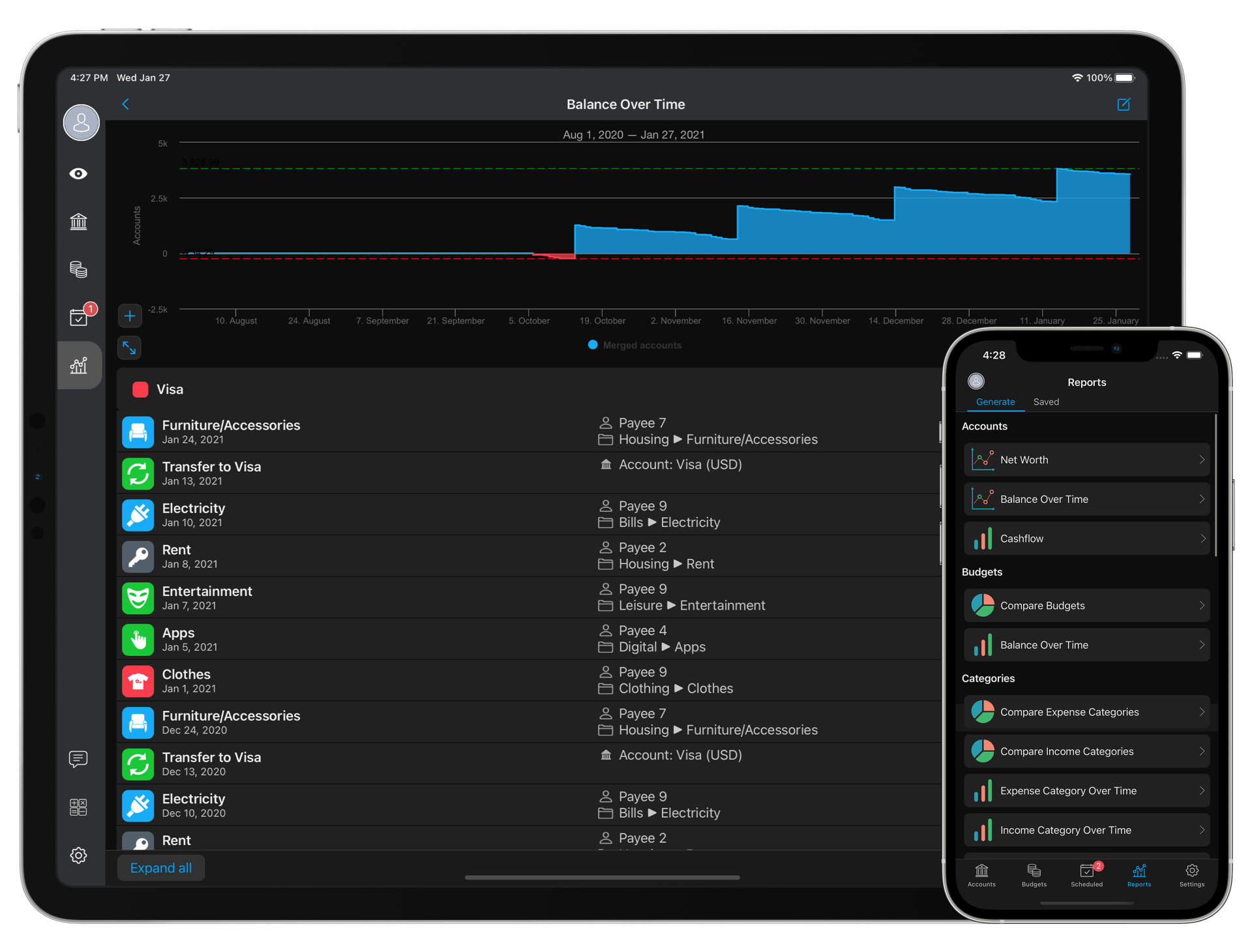
Since we released SilverWiz we received tons of suggestions from you guys. Some great, some…not so much, but anyways, we felt that we needed a new design.
When we started the new design, we had a very clear agenda of what we need to achieve:
1. Make the overall appearance in much lighter colours
2. Make the learning curve of the product even easier, by simplifying the interface
3. Allow more information to be fitted into 1 screen
4. Make the new design more realistic to real-life objects and more responsive
Today, I’m super excited to show you the best SilverWiz yet – the new SilverWiz for iPad, that will be released as a free update in just a few weeks.
Now, let me walk you through some of the stuff we did…
When you start SilverWiz, you’ll see this simple screen to get you started. Really elegant and simple. We’ve decided to use paper on beautifully stitched leather background.

Once you created an account, you’ll see another screen that has been dramatically simplified. Notice that the top bar is now missing, until you create your first transaction, and the 4 buttons to create transactions were replaced by 1 button. Can you imagine, such a complex matter as personal finance being nailed down to 1 button? It’s truly amazing how simple and beautiful it is.

And this is how all modal views look like. We wanted very simple and distinctive design. We went for the elegant font Gill Sans, mostly using its Light variation, which makes the whole experience like reading a beautifully crafted magazine. Only that you’re the one that creates the content. It feels like creating art!

The list of transactions now shows 50% more transactions than before. Using the Gill Sans font allowed us to add one additional field – running balance. For those of you who don’t need that, it can be disabled via Settings. Notice that we simplified the top bar too. We moved the calculator button from the top bar to the sidebar, next to the Settings button. This allows you to access the calculator anywhere, anytime. We also removed the button to edit the account – you can now edit accounts via Settings -> Accounts & Budgets.

Now this is huge! We took the Scheduled section and redesigned it entirely. It’s presented by a beautiful calendar, and the transactions are presented as calendar events.

And finally, reports… We wanted to make Reports really special and I feel that we achieved that. When you land in Reports, you’ll be immediately presented with several pre-generated reports. You can scroll through them with a simple swipe, left or right. Scrolling down reveals the buttons to generate reports and scrolling even more will reveal all your saved reports. All reports can also be visualised in full screen which nobody has done before.


That’s just a few of the many design touches we did in the new SilverWiz for iPad. This great new design will be part of our big 1.3 update, which will be released in few weeks from now.


The new UI does look great indeed – but i would say this is not what you should have focused on at this stage, as a) the previous UI was still better then the competition b) major functions are still missing… E.g. a “Transactions” tab, where you can see all transactions sorted by date/category for all accounts is essential… You can achieve the same things in reports, but such a tab would be much more useful.
I really struggle to understand why there’s really no clearly “leading” app on the market – some lack syncing, some lack a desktop/web version, others lack important features or are poor usability-wise. Still have high hopes for SilverWIz, but still not able to “switch” to it due to the lack of key functions…
Alexey,
What you refer to will be soon added, though not in 1.3. It will also be added for budgets. We needed the new design not only to make the app way ahead of any other finance app, but to also allow us to add some new features, like the Overview for accounts & Budgets, that you mentioned.
Will it have direct connect (I think that is what you call it)? Basically looking for the ability to download transactions directly from a financial institution.
Keith, DirectConnect won’t make it in 1.3, but I am hoping for 1.4. It’s on our top-priority list as a matter of fact, and some work has already began in that direction, but it will take at least 1-1.5 more months to complete.
So far I like the new look of the interface. I gave this application to my parents a few weeks ago, and the idea of making it simpler will help them out.
As a side note, I think there is no leader in the finance app area because no one has dedicated the time, creativity, and energy that you guys are. I know software doesn’t spring up over night and wanted to say to keep up the great work. To quote another post, “Great app and I mean it!!!”
Everyone tracks finance differently and it is hard to make a one stop finance app. But I must say, you guys are well on your way. Also, I look forward to purchasing the desktop app!!!
Thank you Patrick!!!
Great app and I mean it!!!
Hi,
is it same for iPhone too?
Good to see Trends and Net worth!
Income budget (goals) is in too?
Will it be release before February?
Norbi,
The iPhone version will be redesigned too, but not on this update. It will follow in 1.4 probably.
Goals – not in this update.
We hope to release before February, and Apple takes a week to approve updates so it must be available for download in first week of February.
But the iPhone will get the same new functions with 1.3, except new ui? Please say yes…
Yes, the update goes for both iPhone and iPad. The only difference is that the iPad gets new UI with 1.3, and iPhone won’t get new UI now, but in a later update. But the functions in the update will be the same.
And where is the total Balance? The Balance of all the accounts.
Interactive Reports? Tap in one column present information about this transaction?
Sorry for my bad English.
Great update, thanks
Galo, total balance of all accounts, called Net Worth, is available even now, by scrolling above the first account in the list.
Interactive reports – they will allow you to show the transactions, yes.
This looks promising. I, too, am struggling to find an app that has everything I’m looking for. This is one of the closer ones, but it’s not 100% there for me yet. The biggest features I need are the ability for a category to be an expense or income, and for a negative transaction to be possible in a split. I’d like to track paycheck deductions compared to gross salary. Managing this in two separate transactions would be a major headache when trying to reconcile.
Will the forecast report be based off of the budget? If so, that is a huge feature I have only found in one other app, and it keeps crashing in that one.
There are other features I’d love to see in a finance app, but can be worked around in ways the above two can’t.
Love the new UI. Will the desktop version have a similar look and feel? Any idea when it will hit the streets?
Neil, I can confirm that the desktop version will have similar looks
We’re hoping for a release in several weeks. We’re very near now
Love it! Cant wait for this UI to come on iPhone and in the upcoming Mac app.
Hi,
What about the release for late January with the new budget with all that fancy formulas that you referred in the last post?
Was that delayed too ? Another month?
Jorge, this is the same update… all of these things will be in one update – version 1.3. We hope to release it to Apple by the end of this week or early next week. It’s almost done, we’re fixing some last issues in Reports now.
That’s nice.
Any price Tag on the MAC app ?
Yup, Mac will be around $25.
Very good app. Very similar function of Microsoft Money (now obsolete)
I hope in a version for Windows 7……
Thank you very much!
having come from iXpenseit,I am very impressed with what SilverWiz has to offer
but hope you will be able to implement negative amounts in the next update
Thank you Oozy. We won’t implement negative transactions because this is a work-around for what is really needed. It’s not the correct implementation. I guess you need those for a refund? If that’s the case, don’t worry we’ll soon implement the refund functionality as well!
here’s a sample scenario where i think negative amount make sense
Let’s say i paid $100 for dinner on behalf for everyone using my credit card
and my friends paid me back $60 cash
I would enter my transaction as
Credit Card: Dinner -$100
Cash: Dinner +60
So that when I do an expense report, it will reflect $40 correctly
and at the same time, I will remember to clear my CC bill of $100
Look the look. I’m kind of disappointed that the negative transactions won’t be in this update ( if I read this correctly ). I though that was the original plan.
With the iPhone update, will the syncing be improved. We have 3 iPads and 3 iPhones all connected and we have just stopped using the iPhones becuase of the long syncing issues
Maybe a list of all the changes wipould be useful
Jesse, negative transactions won’t be on any update! This is plain wrong and we won’t do it! People use it to handle refunds which is totally wrong too. We’ll just put decent refunds functionality, the way everybody in the industry was supposed to, but screwed up!
I can confirm that there will be sync performance improvements in the update.
As for list of changes:
http://www.silverwiz.com/2011/12/what-else-to-expect-in-1-3-0/
http://www.silverwiz.com/2011/11/sneak-peek-re-inventing-reports/
I’d be intrested in some details on your refund functionality. As it relates to negative transactions, it sort of accepted in the accounting world. Well kind of. In accounting, you would necessary enter a negative nUmber for a refund but a debit or a credit depending on the normal balance of the account. Usually it would be an expense account and you would post a credit and it would lower that account the same way a negative transaction would
Jesse, I cannot disclose details on the refund functionality as it’s not completely invented yet…we’re discussing 2 approaches within the team. I know that what you describe is what accountants do, but it’s in no way intuitive for people who just came to the personal finance world. So we’ll come up with a solution that would be intuitive for everyone to use.
Oozy, that’s not correct.
You paid 40$, and the other 60$ were transferred from your credit card to your cash account. I do realise that all this happened with 1 transaction in the CC, but in reality that’s exactly what happened -> You spent 40$ on dinner, and got 60$ out of your CC and into your pocket. There’s no negative amount here.
Should I keep hitting the AppStore Botton on my ipad and iphone to verify it the new 1.3.0 has already prompt to upgrade? hor it is a bit to early ???
Not just yet
Remember that Apple has to approve every new app and every update, which takes between 1 and 2 weeks (usually about 1 week).
We’re as excited as the rest of you guys are, so be sure that the minute the update it approved, we’ll tweet, post, Facebook, call our mammas and scream!
Have you sent to Apple? 1-2 weeks are a lot…
We’re sending to Apple this friday (i.e. in 3 days).
So 1 or 2 more weeks
I hope you’ve made awesome work, because you said end of December first, and after end of January. Now it will be middle of February.
No offense, just fact.
It’s insanely great!
When will your Stock/Investment accounts feature be released?
So far so good. Managed to input accounts with running balances and everything is working great.
Thank you
Cannot give a specific date about investment accounts, but it’s something we want to do. It might not be in ver.1.x though…don’t know yet.
I’m with Oozy. If my wife takes her share of our play money and buys groceries, then her “play money budget” should get credit. Whether you want to call it a negative transaction, a combined charge & deposit, or combined charge & refund, these split positive+negative transactions are useful for keeping related transactions together. I’m not saying you won’t find a better way to do it, but there are reasons why this way works too.
Any news about 1.3?
Did you send to Apple?
Yup, waiting for approval now… I am hoping they will approve late this week, although I have no idea how long it will take…it’s usually between 1 and 2 weeks wait time.
I’m sure it’s going to be well worth the wait. Thanks for all your hard work!
Thank you Michel! We’re actually already waiting for Apple to approve it, and working out what the next update will be
Still nothing
Norbi, we’ve submitted last week…it’s still waiting for Apple’s approval.
HI there,
I have already bought both iPhone and iPad apps and am loving it , the update screenshots look great , i understand the hard-work you must have put in for this update , so i am going to wait patiently for it
.. Just took time out to comment a appreciation of a really good management app. Looking forward to the update and further updates later on.
Regards
Suraj B
Hi Suraj,
Thank you for the encouraging words
The update must be approved any day now actually…we’ve submitted it to Apple last week, so it’s about time it’s approved
Cheers,
ILIYA
Congratulations!
Good work! Some observations sent in mail.