[official press release]
SilverWiz Ltd. is proud to announce today that their personal finance software – MoneyWiz – is now available on the Mac OS X platform.
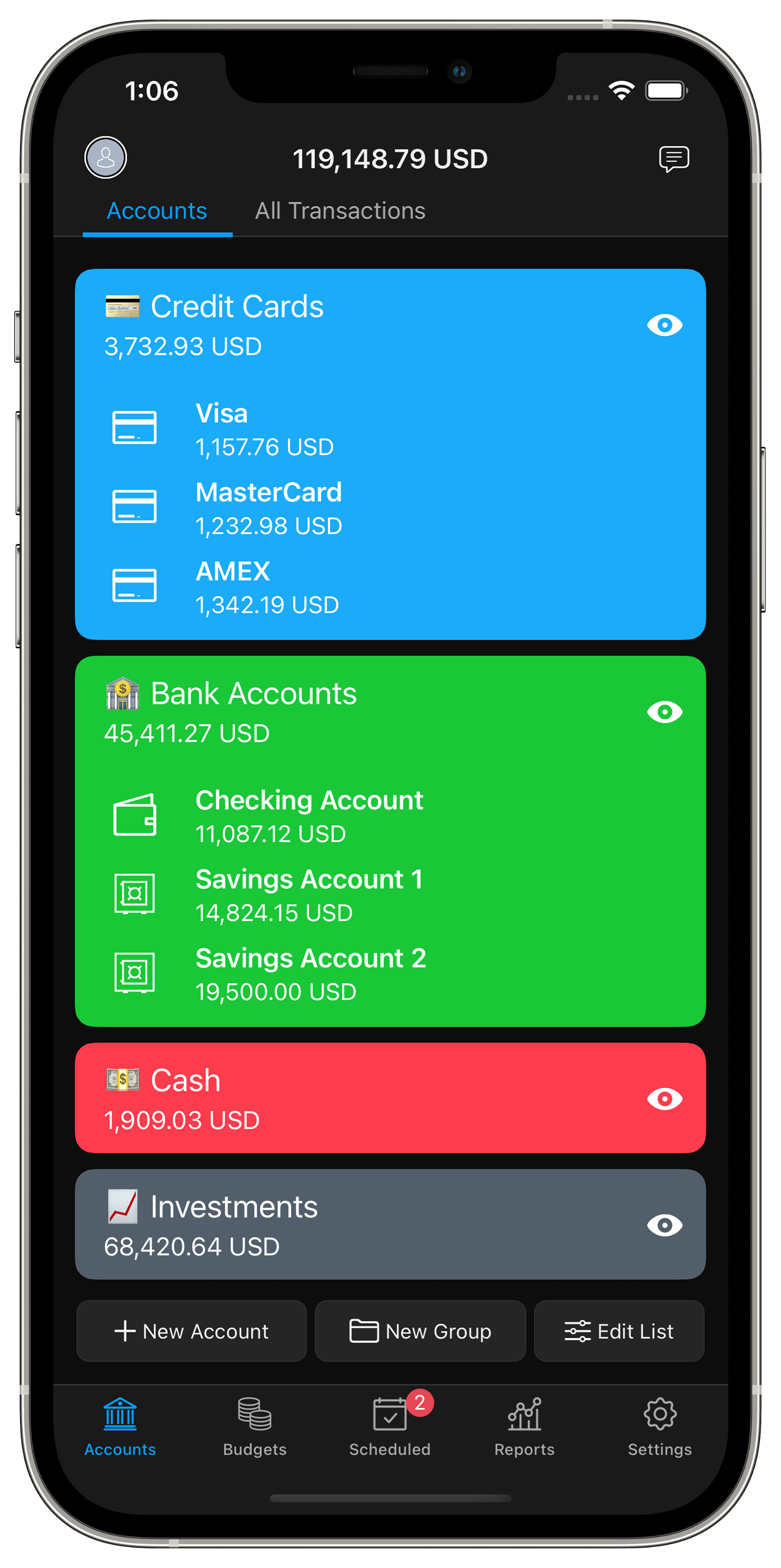
MoneyWiz is a complete personal finance software that allows people to easily manage accounts, budgets and bills, generate reports and much more. MoneyWiz is unique for its beautiful and intuitive interface that combines ease of use and powerful features. MoneyWiz also features unique syncing solution that allows people to automatically synchronise their financial data across multiple devices.
Until now, MoneyWiz was available for iPhone and iPad. Today, MoneyWiz is also available for Mac OS X.
MoneyWiz for Mac shares the same design principles and navigation as MoneyWiz for iPad, which makes it easy for existing customers to quickly get started with the Mac version. MoneyWiz for Mac also adds some new features that didn’t make sense to implement on the mobile platforms, but greatly enrich the Mac OS X experience.
Fancy Vs Expert View
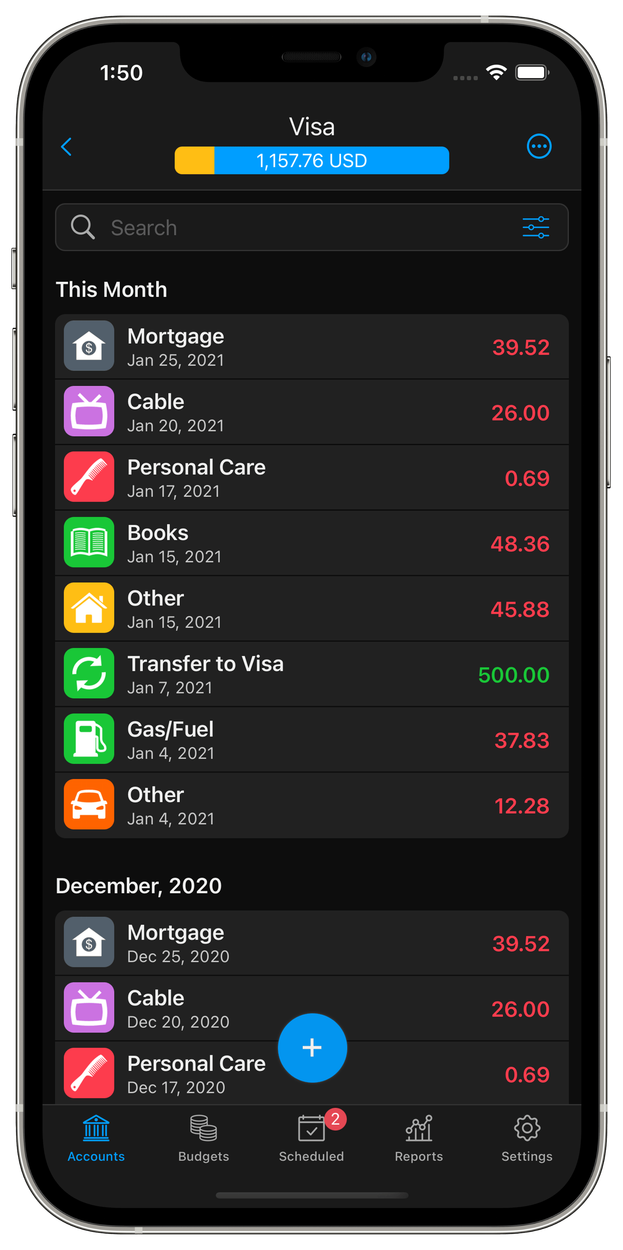
The Mac is a powerful platform and people often use it for powerful tasks. Knowing that people using MoneyWiz spend most of the time in the Accounts area, working with transactions, we wanted to give a more advanced view of the list of transactions without sacrificing the simplicity for those who didn’t want it. Eventually we came up with this brilliant solution to have two ways of visualising your transactions and allow you to quickly change between them. We call them a Fancy View and an Expert View. Fancy view is what you’ve already seen on the iPhone and iPad. The expert view is in spreadsheet style, giving you greater detail, faster. The expert view is also the place to reconcile transactions.
Bulk Editing
It only made perfect sense that when we have an expert view of the transactions, we’d also allow you to bulk/mass edit or delete them. Such a feature has been requested for the iOS versions, but we feel that it’s too advanced for the iOS and will sacrifice the simplicity of MoneyWiz if we did it there. On the Mac though, it makes perfect sense and it feels natural.
Transactions Entry
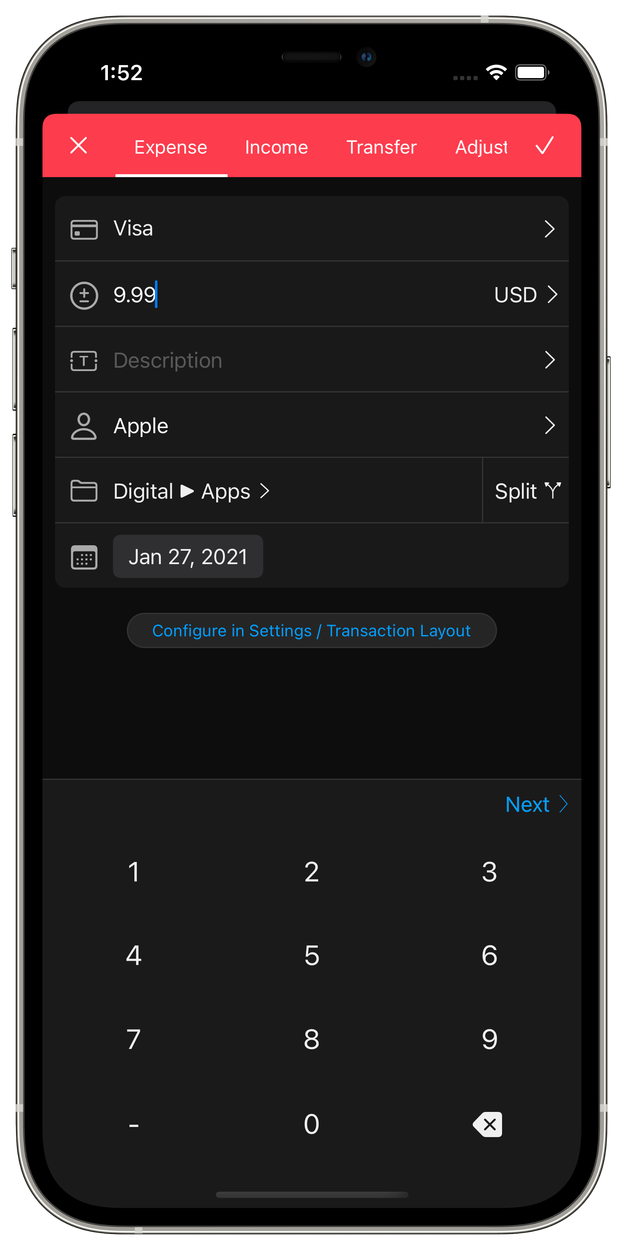
MoneyWiz for Mac has a unique transaction entry process. What distinguishes it is that it allows you to focus on what you’re entering, but it also allows you to check what you’ve already entered, as a reference. We’ve achieved this by centring the transaction entry screen, and dimming the rest of the visible area. All of this appears with smooth animation which adds to the pleasing visual experience.
Drag & Drop
A major part of desktop software is drag & drop. So MoneyWiz for Mac comes with great drag & drop support, where you need it:
- Re-arrange your Accounts & Budgets with drag & drop
- Re-arrange your Categories with drag&drop
- Drag & drop an image to add it to a transaction
- Drag & drop a QIF, QFX or OFX file into MoneyWiz, and the import process will start immediately
Full Screen Support
MoneyWiz for Mac comes with amazing full screen support. We’ve spent a lot of time to make sure that when you resize MoneyWiz everything will look smooth, enjoying and beautiful.
Take Scheduled transactions for example… when you resize MoneyWiz, the scheduled events will re-arrange in real time, during resizing, with awesome animations. In the same time, the calendar area on the top, will get more and more months of calendars. That too comes with great animations!
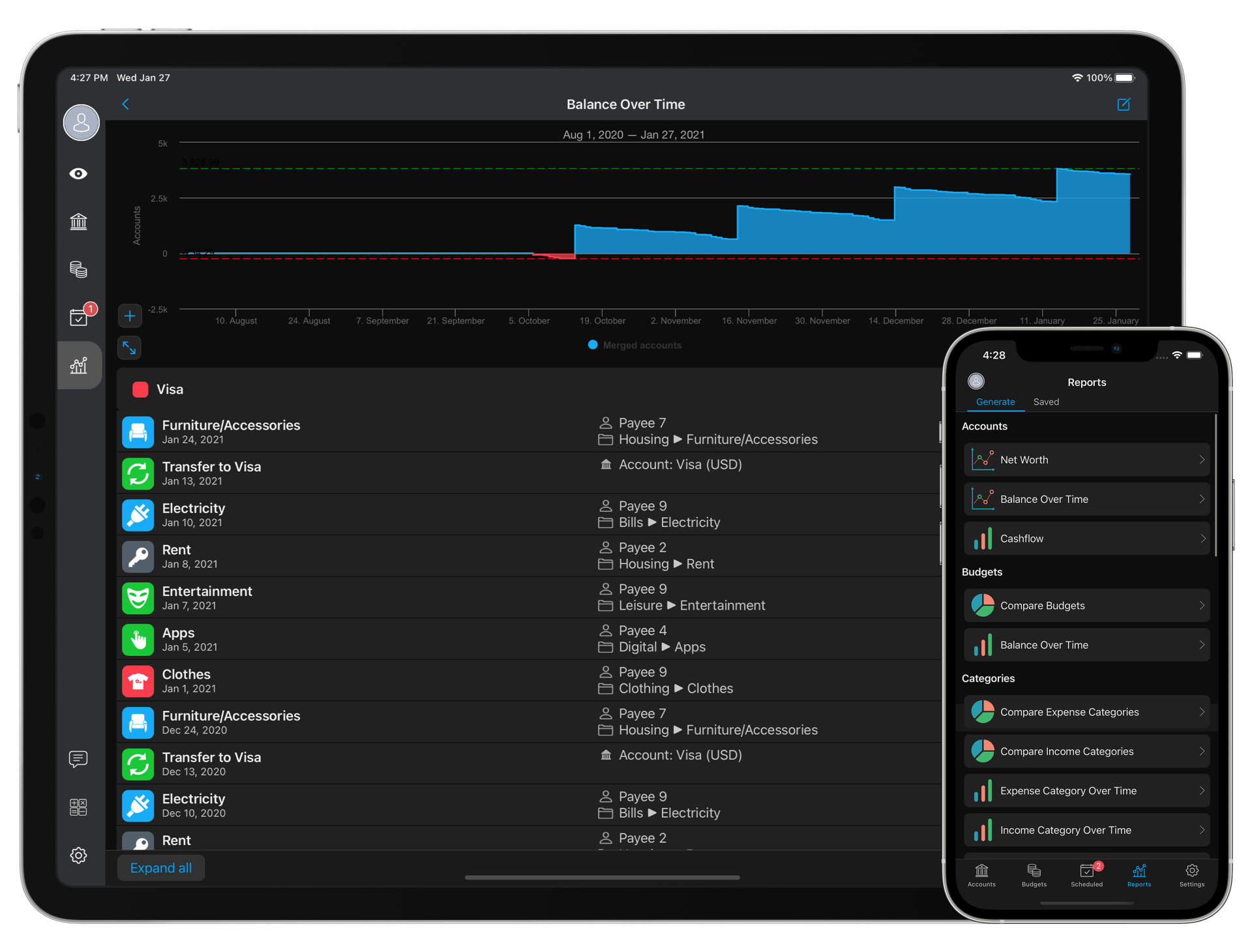
The most exceptional thing of all is the full screen support and Reports. It’s hard to describe how stunning it is to see the graph of your report in full screen on the big display… It’s absolutely beautiful.
Shortcuts
MoneyWiz for Mac is optimised to allow you to do much of the work with just shortcuts. We’re adding even more shortcuts on the first update.
Sync Everything!
MoneyWiz for Mac will automatically sync with its iOS versions, via our free cloud syncing service – Sync Everything!
System Requirements
* Mac OS X 10.6 or later
* 9.4 MB
Availability And Price
MoneyWiz – Personal Finance 1.0.0 for Mac is now available for purchase, exclusively on the Mac AppStore. It costs $24.99, and it requires Mac OS 10.6 (Snow Leopard) or Mac OS 10.7 (Lion). We’ll also make full integration with Mac OS 10.8 (Mountain Lion), by the end of May 2012.
Links
Buy Now
MoneyWiz for Mac website
[end of official press release]
What’s Next
Ever since we submitted MoneyWiz for Mac to Apple (some 2 weeks ago), we’ve been working hard on delivering the next iOS update (for iPad and iPhone), as well as the first Mac update after release. The update will include (for all 3 platforms):
- Proper recognition of transfer transactions in QIF and OFX imports
- Ability to set number of instalments (end date) of scheduled transactions
- Ability to skip payment of a scheduled transaction
- More keyboard shortcuts for the Mac
- New translations
- Bug fixes
- Mountain Lion support (MoneyWiz for Mac only)
We’ll submit the update 1.3.4 in a week from now. In the meantime, if you spot any bugs in MoneyWiz for Mac, don’t hesitate to contact us at info@silverwiz.com, so we can fix them in the update.
On top of that, we’ll be making a demo/free version of MoneyWiz for Mac, which we’ll release later in the summer.


Have been looking for a substitute for Quicken which I have been using on my PCs for many years (in excess of 12 years). Having converted to MAC I still use Quicken under VM Fusion, as I have quite an investment at present in PC software, and will transfer slowly as I find appropriate software and learn the system. My Quicken keeps track of Shares – not that I am investing in shares these days – income no longer sufficient – but it would be nice to keep track of the value of any investments held. Does MoneyWiz handle such a requirement – is it just a matter of how the data is entered?
Regards
Nigel
Dear Nigel,
MoneyWiz does not yet support investment accounts unfortunately. We’ll be adding those in major version 2.0 which is scheduled for summer 2013 as a paid update.
While not a perfect solution I created accounts to record the value of my investments (shares, superannuation and property). I use the current market value, which I will update periodically.
This way they are take onto account when MoneyWiz calculates my overall net worth.
The RAM consumption is aburd. 289MB at start of the app and eating up nearly 400MB in time.
Other similar apps are by far less demanding. And the app crashes from time to time. :/
But it is still a ver. 1.0.0… so no wonder here. Been using other budget and fin. apps for a while now, but for now I will stick to MoneyWiz.
I am just too much curious how this app will look in ver. 1.5. or so.
We’ll do major memory usage improvements in the update after the next update. The RAM consumption is so big mostly because everything you see is custom designed UI with lots of artwork (MoneyWiz is made up of almost 200 separate images to active this interface.
Hi, are you planning to add more export possibilities such as qif / ofx, etc…? The pdf and cvs exports are poor as to what you can do when working with other professional finance applications.
Thank you
Yup… but can’t say when exactly it will be done. We have higher priority tasks before that.
Hi,
I haven’t made the jump yet from my QuickBooks PC version as I just purchased a Mac.
1. Wondering if I will be able to import QuickBooks file in the next update or later.
2. I also have an iPhone and I’m a little confused because I read that you can sync between devices, but somewhere else I read that you have to purchase the software again for different devices. Please clarify.
Thank you.
Hi Ron,
MoneyWiz supports OFX and QIF imports, so if Quickbooks can export into any of these, then MoneyWiz should be able to import it. (p.s. as far as I know, Quickbooks normally exports to IIF, so you should perhaps find some IIF to QIF converter)
Also, I can confirm that MoneyWiz is a separate purchase for iPhone, iPad and Mac.
Thank you Iliya.
Continue your excellent work and I look forward to your updates.
Hi,
I very much like all versions of moneywiz. I wonder though when will the feature of connecting to banks and credit card so that we’ll not need to enter transactions manually similar to mint.com
Cheers,
Hi,
MoneyWiz does not yet connect to banks for automatic downloading of transactions. This is a functionality we’re working on though, and it must be introduced later this year.
First off. Nicely done guys. That had to be a ton of work.
Can you squeak ‘check numbers’ or ‘transaction ID’ field in the account? I still write checks and it’s nice to have the number
little thing: If I browse the categories, click the category and it gets the checkbox, if I don’t close that browser of categories and hit ‘done’ instead it doesn’t save the category.
on your sync service, is the encryption unique to each user?
Hi Tom,
I would advise to use the Additional Information field in the account settings to enter this information. On each transactions you may use the description field to do the same. I hope this will work for you until we release the check handling feature.
Yes each user has a unique encryption key.
Regarding the categories issue that you describe, may I ask you to send me an e-mail to info@silverwiz.com with more details when does this happen. Does it happen when you create transactions? In what screen? Thank you.
It happens in any account, I sent screenshots as well as a form submission with the details for the reproduction. Hope it helps. If I’m in ‘advanced mode’ or the nice view of the register when I enter the expense.
I purchased all 3 products yesterday and so far I love it. The syncing is taking a bit long but that could be just because I have imported 6 accounts and 3 of them have data for the past 5 years. I know your working on a lot and I/We all highly appreciate it I am sure. Biggest thing I could recommend right now is having the option to not sync some accounts. Such as I don’t need my “Savings” account on my Iphone or other various accounts and such. I feel this would save a lot of data transfer and in turn speed up the sync process. Just my .02 cents.
Other than that keep it up and I have read through most of the blogs and sounds like you guys have got most things covered.
Thanks
Hi Robert,
Thanks for the feedback. Actually we’re working on total redesign of our sync service to make it much faster even with tons of data…p.s. the speed is only slow when doing the initial sync…if you don’t reinstall often, you are OK
meaning that the sync will be very fast once the initial sync is done.
Yea I figured it would speed up. Thanks for the quick reply
Just bought the mac version. It’s really easy to use and great!
Looking forward to a Windows version for my PC!!
Windows version must be available next year some time
No problem I can wait. =)
Only for info I’m writing from germany.
I’m keeping a very close eye on your products. So far I have purchased the iPad version and it looks very promising. I currently use Moneywell 2 and it fits my needs except for syncing. I know that you use your own proprietary sync, but like others, I don’t trust anyone’s cloud with my bank data. So I’d like to add my vote for local wireless sync.
Also, envelope budgeting would be great.
Overall, it looks like you’re doing some great and long needed work here. Trust me when I tell you that there are lots of people like me who are watching on the side lines for some key features, like the one’s I mentioned above. If you do implement the above features, you will have mass user adoption.
Keep up the good work,
pzs
Noted
We’re working on delivering more and more with updates
Great App !
Though i really need to have an option for ( Refreshing ) the budgets.
I mean i don’t want a fixed date to reset the budgets, i just want to have the option to reset them whenever i get my salary ( which i don’t get it in a fixed day, it changes from month to month ).
Hope i was clear, sorry for the mistakes, English isn’t my first language.
Hi Omar,
Thanks for the feedback. It’s noted
I liked, i bought it, but now i see i can’t export, neither to csv… are you thinking on add this feature?
You can export to PDF and CSV. Just generate any report, and click on the Save button. You will see the Export to CSV option there.